




 277 / 413

6/7
Software
Unity Pro software
Small/Medium/Large/Extra Large
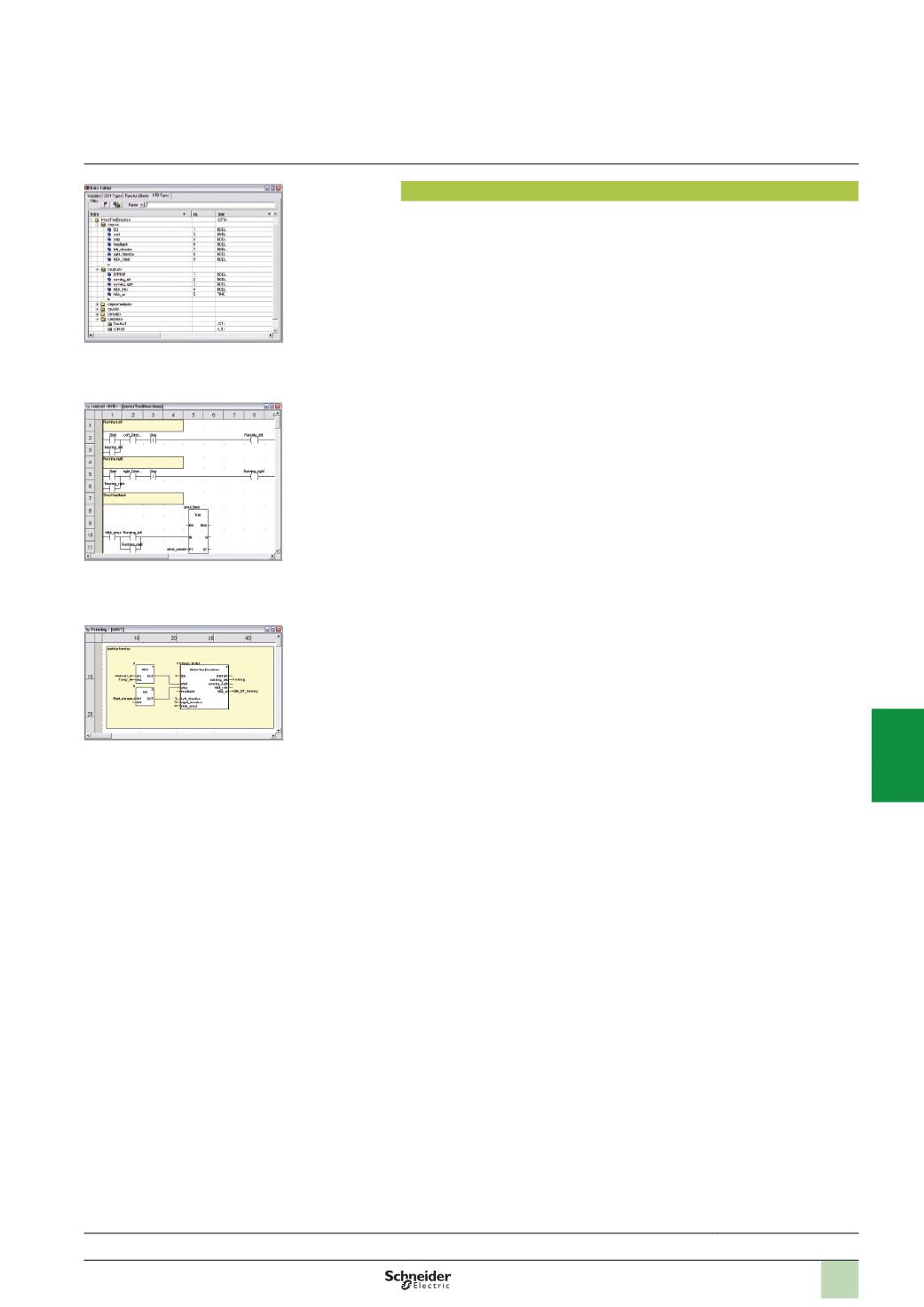
DFB user function blocks
With Unity Pro software, users can create their own function blocks for specific
application requirements on Modicon M340, Premium and Quantum platforms.
Once created and saved in the library, these user function blocks can be reused as
easily as EFBs (Elementary Function Blocks).
The user function blocks can be used to structure an application. They are used
when a program sequence is repeated several times in the application or for freezing
a standard programming routine. They can be read-only or read/write. They can be
exported to all other Unity Pro applications.
Using a DFB in one or more applications:
b
Simplifies program design and entry
b
Improves program readability and understanding
b
Facilitates program debugging (all variables handled by the DFB are identified in
the data editor)
b
Enables the use of private variables specific to the DFBs, which are independent
of the application
ADFB is set up in several stages:
b
The DFB is designed by assigning a name, a set of parameters (inputs, outputs,
public and private internal variables) and a comment to it via the data editor.
b
The code is created in one or more sections of the program, with the following
languages selected according to requirements: Structured Text, Instruction List,
Ladder or Function Block Diagram (ST, IL, LD or FBD).
b
The DFB may be stored in a library with an associated version number.
b
ADFB instance is created in the data editor or when the function is called in the
program editor.
b
This instance is used in the program in the same way as an EFB (the instance can
be created from within the program).
Functions
(
continued)
Selection guide:
page 6/2
Design
Creating the code
Use within the program
2
1
3
4
5
6
7
8
9
10