




 280 / 413

6/10
Software
Unity Pro software
Small/Medium/Large/Extra Large
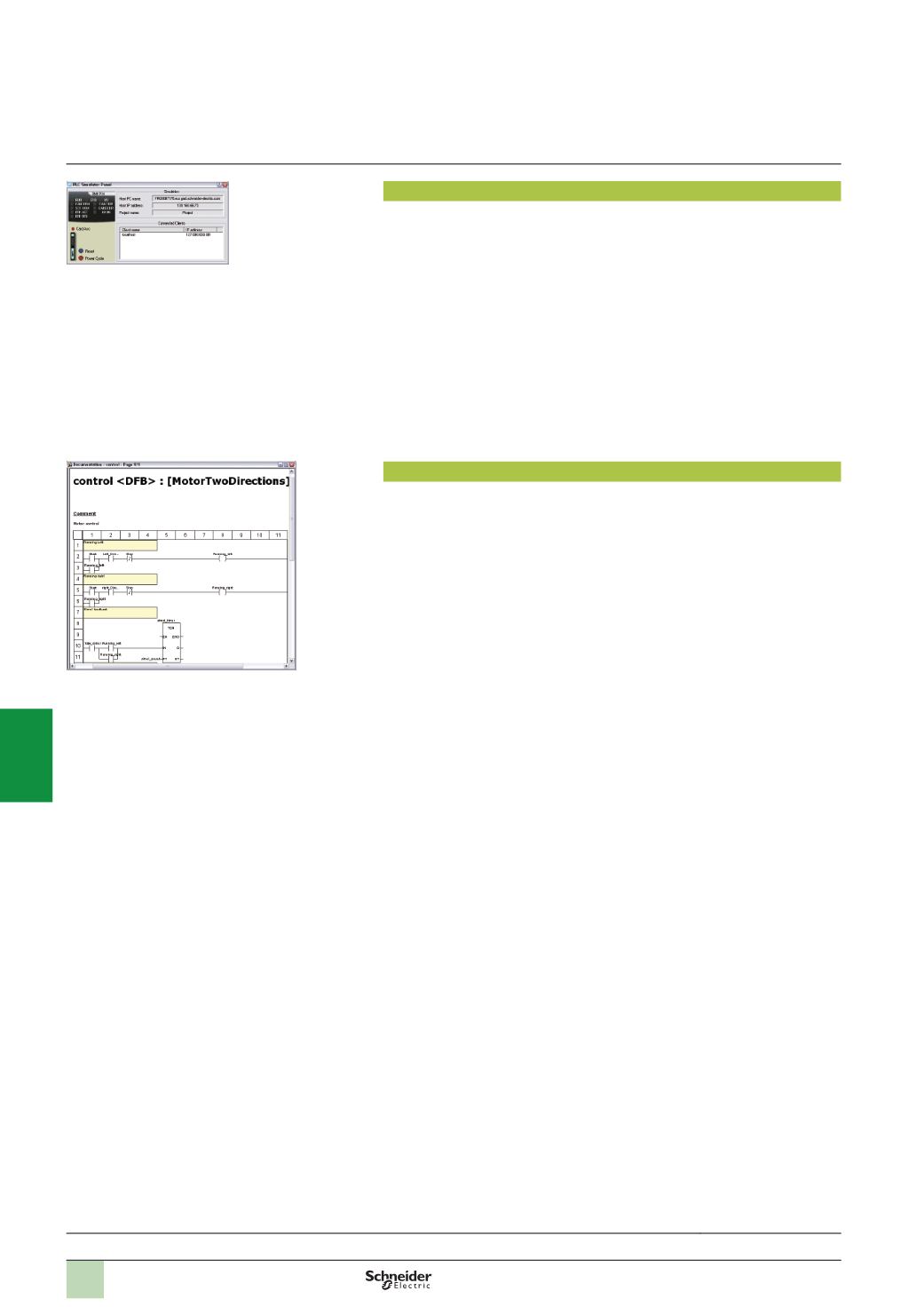
PLC simulator
Unity Pro’s integrated simulator can be used to test the application program for
Modicon M340, Premium or Quantum PLCs from the PC terminal without having to
connect to the PLC processor. The functions provided by the debugging tools are
available for debugging the master, fast and auxiliary tasks.
As the simulator does not manage the PLC I/O, animation tables can be used to
simulate the state of inputs by forcing them to 0 or 1.
The simulator can be connected to third-party applications via an OPC server with
OFS
(
OPC Factory Server)
software.
Documentation editor
The documentation editor is based on the Documentation Browser, which shows the
file structure in tree form.
It allows all or part of the application file to be printed on any graphics printer accessible
under Windows and using True Type technology, inA4 or US letter print format.
The documentation editor supports the creation of user-specific files using the
following headings:
b
Title page
b
Contents
b
General information
b
Footer
b
Configuration
b
EF, EFB and DFB type function blocks
b
User variables
b
Communication
b
Project structure
b
Program
b
Animation tables and cross-references
b
Runtime screens
Functions
(
continued)
Selection guide:
page 6/2
Simulator control panel
Accessing the documentation editor
2
1
3
4
5
6
7
8
9
10