




 276 / 413

6/6
Software
Unity Pro software
Small/Medium/Large/Extra Large
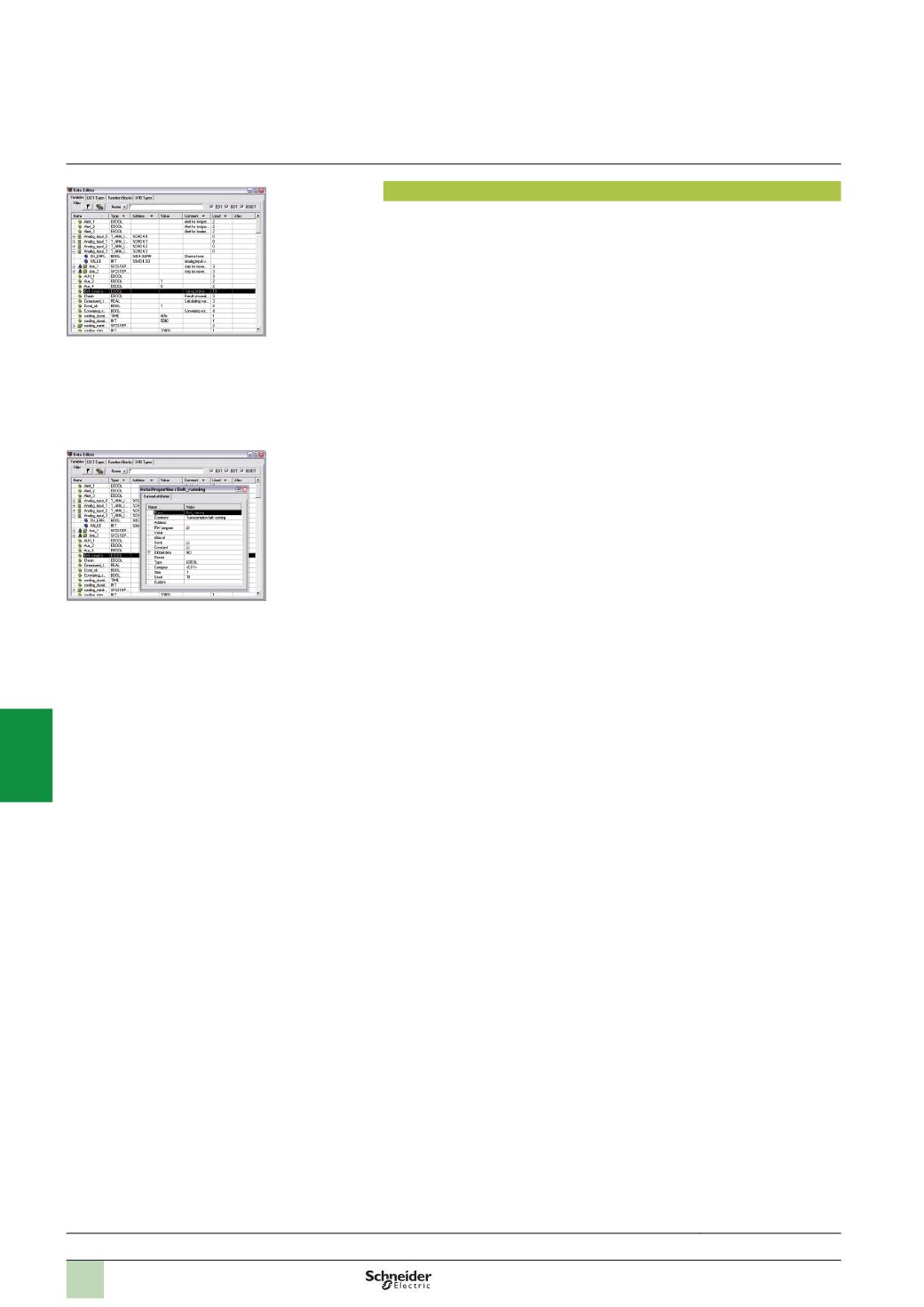
Data editor
The data editor, which can be accessed from the structural view of the project,
provides a single tool for performing the following editing tasks:
b
Declaration of data including variables and function blocks (declaration of their
type, instances and attributes)
b
Use and archiving of function block data types in different libraries
b
Hierarchical view of data structures
b
Searching, sorting and filtering of data
b
Creation of a hyperlink to access a description from any variable comment
The data is displayed under four tabs:
b
“
Variables” tab for the creation and management of the following data instances:
Bits, words, double words, inputs/outputs, tables and structures
b
“
DDT Types” tab for the creation of derived data types (tables and structures)
b
“
Function Blocks” tab for the declaration of EFBs and DFBs
b
“
DFB Types” tab for the creation of DFB user function block data types
Each data element has several attributes, of which:
b
The variable name and type are mandatory
b
The comment, physical address in the memory and initial values are optional
The data editor columns can be configured (number of columns, order). All the
attributes associated with a variable can be displayed in a properties window.
This editor can be accessed at any time during programming by selecting variables
for data modification or creation.
Functions
(
continued)
Selection guide:
page 6/2
Data editor
Data properties
2
1
3
4
5
6
7
8
9
10