




 282 / 413

6/12
Software
Unity Pro software
Small/Medium/Large/Extra Large
Modifying the program with the PLC in RUN mode
With Unity Pro, changes can be made to the program when the PLC connected to
the programming terminal is in RUN mode. These modifications are performed with
the following operations:
b
The application contained in the PLC is transferred to the PC terminal running
Unity Pro, if necessary.
b
Program changes are prepared. These program modifications can be of any type
and in any language (IL, ST, LD, FBD and SFC), for example, addition or deletion of
SFC steps or actions. The code of a DFB user function block can also be modified
(
however, modification of its interface is not permitted).
b
These program changes are updated in the PLC (in RUN mode).
This function makes it possible to add or modify program code and data in different
parts of the application in one single modification session (thus resulting in a unified,
consistent modification with respect to the controlled process). This increased
flexibility comes at a cost in terms of the amount of program memory required.
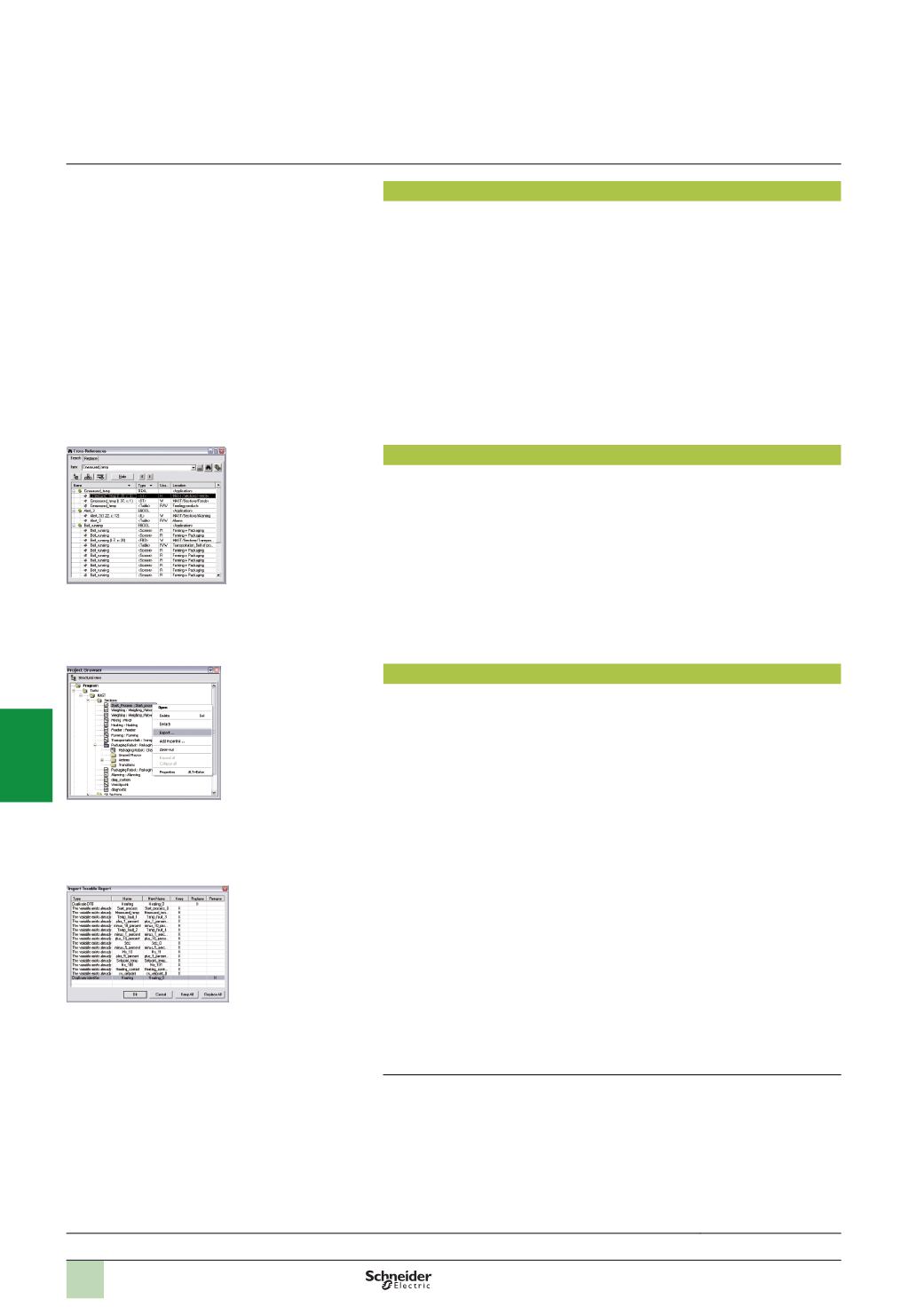
Cross-references function
Unity Pro's cross-references function, which is available in standalone mode (offline)
and when connected to the PLC in Run (online), allows users to view all the
elements of a PLC application when searching for any type of variable. This view
indicates where the declared variable is used, as well as how it is used (for writing,
reading, etc.).
This function also provides access to the Search/Replace function for variable names.
The variable search can be initialized from any editor (language, data, runtime
screen, animation table, etc.).
Import/export function
The import/export function available in Unity Pro supports the following operations
from the structural and functional project views:
b
Via the import function, reuse in the current project of all or part of a project
created previously
b
Via the export function, copying of all or part of the current project to a file for
subsequent reuse
The files generated during export are generally in XML format
(1)
.
However, in
addition to XML, variables can be exported and imported in the following formats:
b
.
xvm format compatible with OFS data server software
b
Source format, in an .scy file compatible with PL7 development software
b
Text format with separator (TAB) in a .txt file for compatibility with any other system
During an import, a wizard can be used to reassign data to new instances of:
b
DFB function blocks
b
DDT data structures
b
Simple data
In addition, when a functional module is imported, the data associated with
animation tables and runtime screens is also reassigned.
The XML import function also supports the transfer of a Modicon M340, Premium or
Quantum PLC configuration prepared in the SIS Pro costing and configuration tool
for use in the creation of a project in Unity Pro.
This import function spares the user from having to redefine the PLC configuration
when the PLC has already been configured with the SIS Pro tool.
(1)
XML language is an open, text-based language that provides structural and semantic
information.
Functions
(
continued)
Selection guide:
page 6/2
Cross-references table
Data export shortcut menu
Data import wizard
2
1
3
4
5
6
7
8
9
10