




 283 / 413

6/13
Software
Unity Pro software
Small/Medium/Large/Extra Large
Application converters
Unity Pro’s integrated conversion tools can be used to convert PLC applications
created with Concept and PL7 programming software to Unity Pro applications.
Concept/Unity Pro converter
(
Quantum PLC)
This conversion is performed with a Concept application V2.5 or later (it can also be
performed in V2.11 or later, but only after an update to V2.5). In order to perform the
conversion, the application must be exported to an ASCII file in Concept.
The export file is converted to a Unity Pro source file automatically. This source
file is then analyzed by Unity Pro. At the end of the procedure, a conversion report is
generated and an output window displays any conversion errors and provides direct
access to the part of the program to be modified.
The Concept application converter converts the application to Unity Pro, but does
not guarantee that it will operate correctly in real-time. It is therefore essential to test
or debug all converted applications.
PL7/Unity Pro converter
(
Premium PLC and Atrium slot PLC)
This conversion is performed with a PL7 application V4 or later (Premium PLC or
Atrium slot PLC). In order to perform the conversion, the source file (complete
application or user function block) must be exported in PL7.
The conversion procedure is similar to that of the Concept conversion described
above.
Note:
Applications created with Concept, Modsoft and ProWORX can be converted to LL984.
Please consult our Customer Care Centre.
Operating system update utilities
The OS-Loader software is designed for updating operating systems on Premium
and Quantum platforms. It is supplied with Unity Pro software.
It is used to upgrade Unity processors and modules as well as to upgrade PL7 or
Concept processors and modules to make them compatible with Unity Pro.
OS-Loader software supports:
b
Premium processors
b
Quantum processors
b
Ethernet communication modules
b
EtherNet/IP communication modules
The operating system updates are performed as follows:
b
Uni-Telway RS 485 terminal link for Premium processors
b
Modbus or Modbus Plus terminal link for Quantum processors
b
Ethernet TCP/IP network for integrated Ethernet port on Premium processors and
Premium and Quantum Ethernet modules
Note:
For Modicon M340, this service is provided by Unity Loader (see page 6/26).
Online modification of the Quantum configuration
This function, also called
Change Configuration On The Fly (CCOTF)
,
is used to modify
the Quantum configuration online (application in RUN mode):
b
Addition or removal of discrete or analog I/O modules
b
Modification of configuration parameters of discrete or analog I/O modules
(
already present or newly installed)
The CCOTF function is supported by standalone processors for all three types of I/O
architecture (local, RIO, DIO) using version 5 of Unity Pro, and for Hot Standby
processors using version 4.1 of Unity Pro.
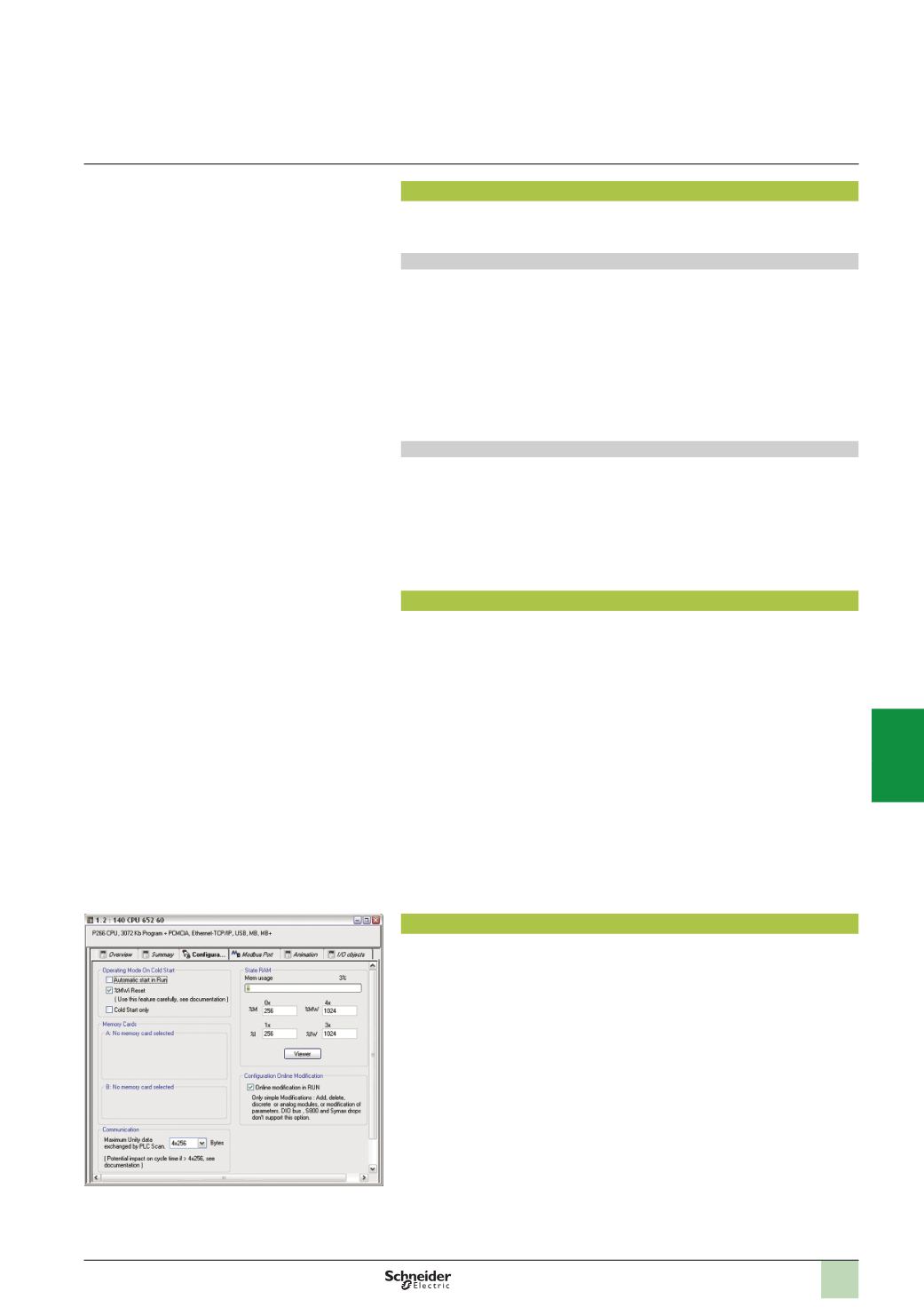
The CCOTF function must first be validated in the Unity Pro configuration screen. A
confirmation screen appears when the configuration has been modified online.
Functions
(
continued)
Configuration screen
2
1
3
4
5
6
7
8
9
10