




 221 / 413

5/87
Connectable devices
The Modicon TSX Micro or Modicon Premium platforms, via the
TSX CPP 110
PCMCIA card, perform the role of master on the CANopen bus.
The following Schneider Electric products can be connected to the CANopen bus,
depending on the model
(1)
:
b
OsiSense XCC Ø 58 mm multi-turn absolute encoders
b
TeSys U starter-controllers with LUL C08 communication module
b
TeSys T motor management system, with LTM controller
b
TeSys D motor starters, using the TeSys Quickfit installation system with
APP 1CCO0/O2 communication module
b
Modicon OTB IP 20 distributed I/O, with Twido I/O expansion modules and OTB
interface module
b
Modicon STB IP 20 modular distributed I/O, with STB NIM interface module
b
Preventa XPS configurable safety controllers
b
0.18…15
kWAltivar 312/32 variable speed drives for asynchronous motors
b
0.75...630
kWAltivar 61/71 variable speed drives for asynchronous motors
b
Lexium 32 servo drives for BMH and BSH servo motors
b
ILA/ILE/ILS Lexium integrated drives
b
SD328 stepper drives
Description
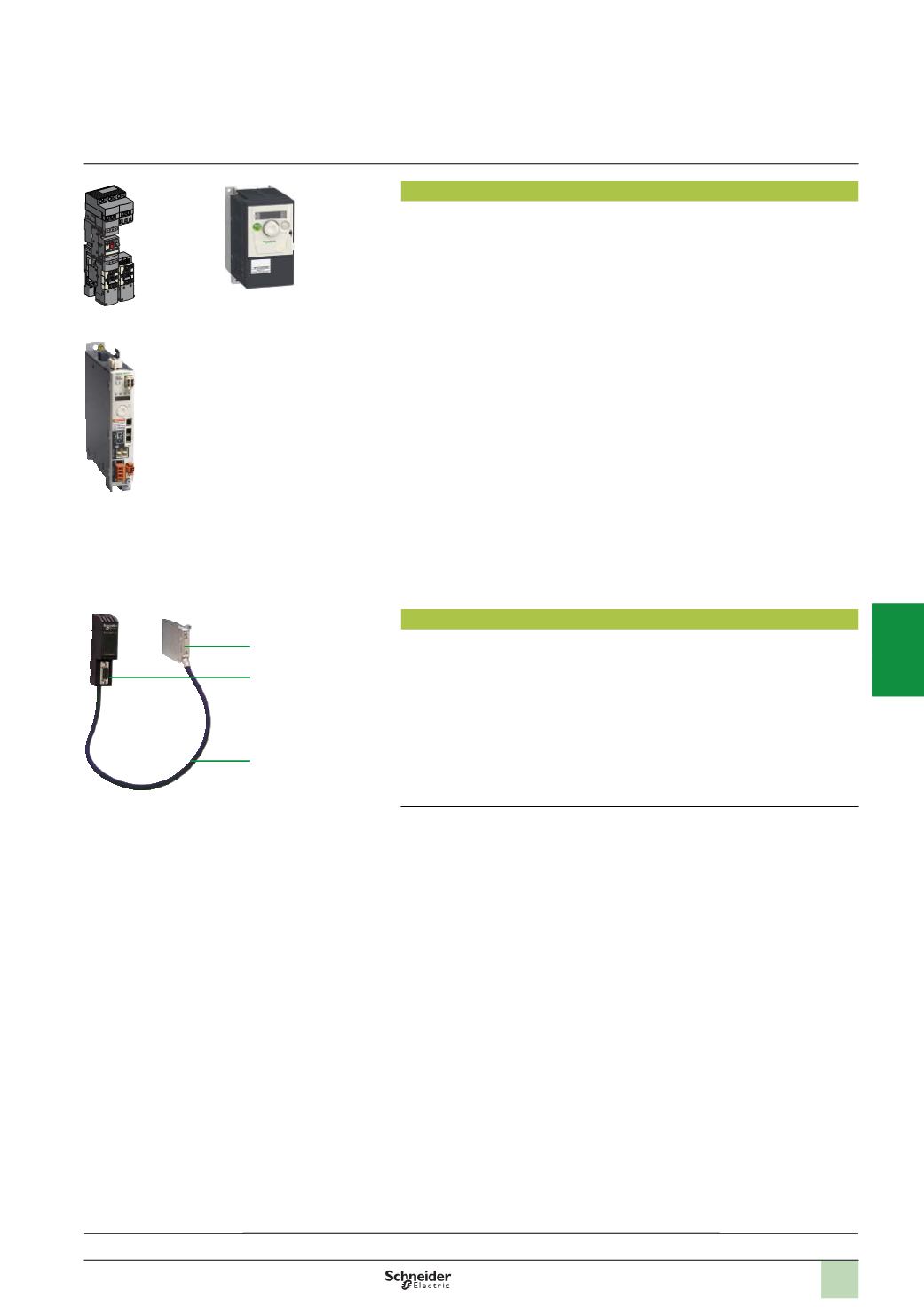
The Modicon TSX Micro/Premium automation platforms have a slot for a PCMCIA
communication card on their processors which can take the CANopen machine bus
card.
The
TSX CPP 110
CANopen machine bus assembly comprises:
1
A type III PCMCIA card with locking screw
2
A tap junction for connection to the CANopen bus cable via a 9-way male SUB-D
connector. This tap junction is mounted on a DIN rail
3
A 0.5 m cable, integral to the PCMCIA card and the tap junction
(1)
For compatible device models and their setup, please refer to our website
www.schneider-electric.com.
TSX CPP 110
1
2
3
Connectable devices,
description
Lexium 32
TeSys Quickfit
Example of devices that can be connected on CANopen
Altivar ATV 312
Modicon Premiumautomation
platform
0
CANopen machine and installation bus
Presentation:
page 5/86
Software setup:
page 5/88
Wiring system:
page 5/89
References:
pages 5/90 ...
2
1
3
4
5
6
7
8
9
10