




 310 / 413

6/40
Presentation
PL7 Micro/Junior/Pro software is designed for Windows 2000, XP, Vista and 7 (all
32-
bit) operating systems
(1)
and, therefore, benefits from all the facilities associated
with these operating systems.
The main functions of PL7 software are:
b
User-friendliness and productive using contextual menus, context-sensitive help,
info balloons, etc.
b
Multi-instance, enabling several applications to be worked on simultaneously
b
Management of access rights, for limiting and controlling the use of the various
PL7 software functions
b
Application server. The PL7 Pro software can be launched in OLE Automation
server mode from a third-party client application. In this case, certain functions of the
PL7 software can be executed following commands sent by an OLE client application
The main functions compared to the previous version V4.4 are:
b
Development of the equipment catalogue
b
Enhancement of the application data export files (FEF), for better compatibility
with the Unity Pro software suite integration
Functions
Four IEC languages
The four graphical or textual languages available in PL7 are used for programming
Modicon Premium and TSX Micro automation platforms.
The two graphical languages are:
b
Ladder (LD)
b
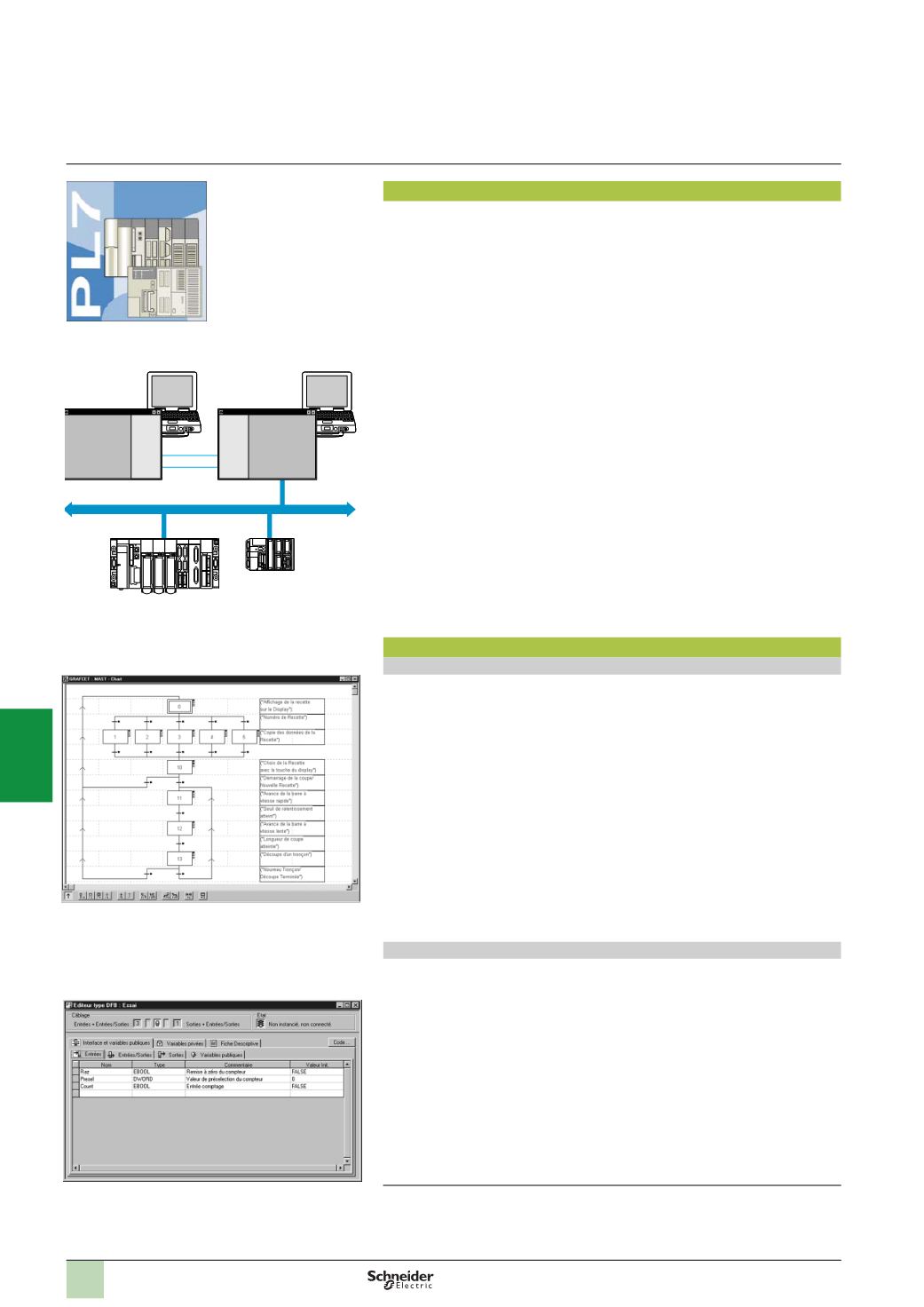
Sequential Function Chart (SFC) or Grafcet
The two textual languages are:
b
Structured Text (ST)
b
Instruction List (IL)
For these 4 languages, you can use the standard set of instructions compliant with
IEC standard 61131-3 to create applications, which can be transferred from one
platform to another. PL7 software also provides extensions to this standard set of
instructions. As they are specific to Modicon Premium and TSX Micro PLCs, these
extensions support the development of more complex applications in order to
maximize the potential of the specific features of each of these platforms.
User DFB function blocks (only with Premium)
The user can create their own function blocks for specific application requirements,
with Premium PLCs, using PL7 Pro software. Once the function blocks have been
created in a library, they can be used with PL7 Junior/Pro software.
These user function blocks can be used to structure an application. They are used
when a program sequence is repeated several times in the application or for freezing
a standard programming routine. They can be exported to all other PL7 applications.
Using a DFB function block in one or more applications:
b
Simplifies program design and entry
b
Increases program legibility
b
Facilitates program debugging (all variables handled by the DFB function block
are identified on its interface)
b
Enables the use of internal variables specific to the DFBs, which are independent
of the application
(1)
Compatibility with Windows 95, 98, Millenium and NT4.0 is no longer assured. For
information, Windows 95 and Windows NT 4.0 cannot manage USB ports.
Presentation,
functions
Software
5
PL7 software
PL7 Micro/Junior/Pro
Terminal PC
Client
Terminal PC
Server
Client
Applications
PL7
Premium
TSX Micro
OLE
Automation
Fipway
OLE
Automation
Operation in application server mode
Grafcet SFC language graphic editor
DFB type editor
2
1
3
4
5
6
7
8
9
10