



 244 / 253

2010
CA08103002Z-EN
www.eaton.com14/128
Automation products
Software
Description
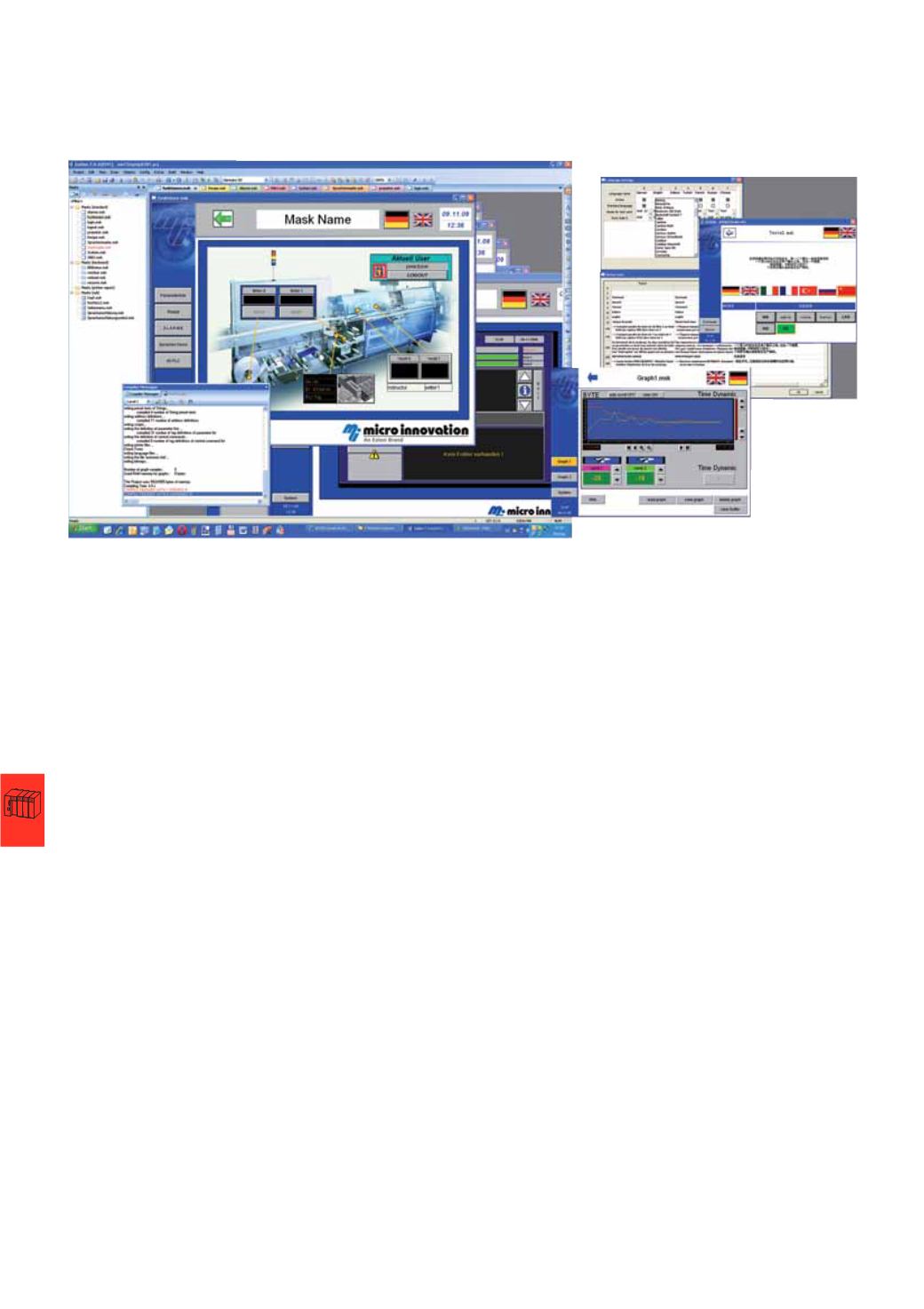
Visualization software Galileo
The powerful, comprehensive engineering platform Galileo is ideal for use in all
machine- and process-related applications in plant and machine construction.
•
Fast engineering with project simulation on development PC.
•
Easy-to-learn, intuitive graphical user interface with project overview window.
•
Range of interface styles.
•
Object placement with drag & drop WYSIWYG (what you see is what you get).
•
Easy object parameterization.
•
Object properties table, simple and quick attribute assignment with copy & paste.
•
Pointer object.
•
Extended password handling with complex password and ageing.
•
Comprehensive recipe handling.
•
Alarm handling with time stamp, history and diagnostics support with image
display.
•
Convenient batch definition of texts and graphics for variables.
•
Many graphical objects, such as bar graph, scroll bar, graph plotter, line graph,
and camera.
•
Object parameter list, any number of data objects for template.
•
Dynamic measurement unit selection (e.g. °C <-> °F, inches <-> mm).
•
Many specific objects and functions.
•
Direct printing at panel (reports, forms).
•
Brilliant image reproduction with up to 65536 colors.
•
Import of 15 different graphic formats.
•
Easy import of PLC variables.
•
Online language selection.
•
Unicode support (including Asian character sets).
•
Text import/export in XML format, e.g. Excel.
•
Full functionality always available; no performance grading.
•
Dynamic objects.
Useful add-on tools
S7 PG router:
Programming S7 PLCs connected to the panel through the Ethernet
interface.
CE Telediag:
Convenient remote maintenance through a modem connection with
dial assistant and device call-back.
CAN monitor:
Observing and tracing CAN messages with relative time stamp for
COB-ID and data directly on the panel.
EPAM: visualization tool for Microsoft Office
Designed as an open visualization tool for OEM machine vendors, EPAM can be
expanded with custom funtions programmed in Visual Basic at any time.
•
The visualization is configured in Microsoft Excel.
•
Every visualization created with EPAM is web-capable, allowing remote plant
operation from any standard PC without having to install additional Software.