




 40 / 80

40
klik catalogue 2012 • klik.LDS • Technical
Settings available
Key
Action
Function
Product Type
+
Short Press (< 5s.)
On
EEK513W / EEK510B
Long Press (> 5s.)
Dim up
EEK513W / EEK510B
Short Press
Off
EEK513W / EEK510B
Long Press (> 5s.)
Dim down
EEK513W / EEK510B
Short Press
To start scene 1
Long Press (> 5s.)
To start scene 1
Short Press
To start scene 2
Long Press (> 5s.)
To start scene 2
Short Press
To start scene 3
Long Press (> 5s.)
To start scene 3
Short Press
To start scene 4
Long Press (> 5s.)
To start scene 4
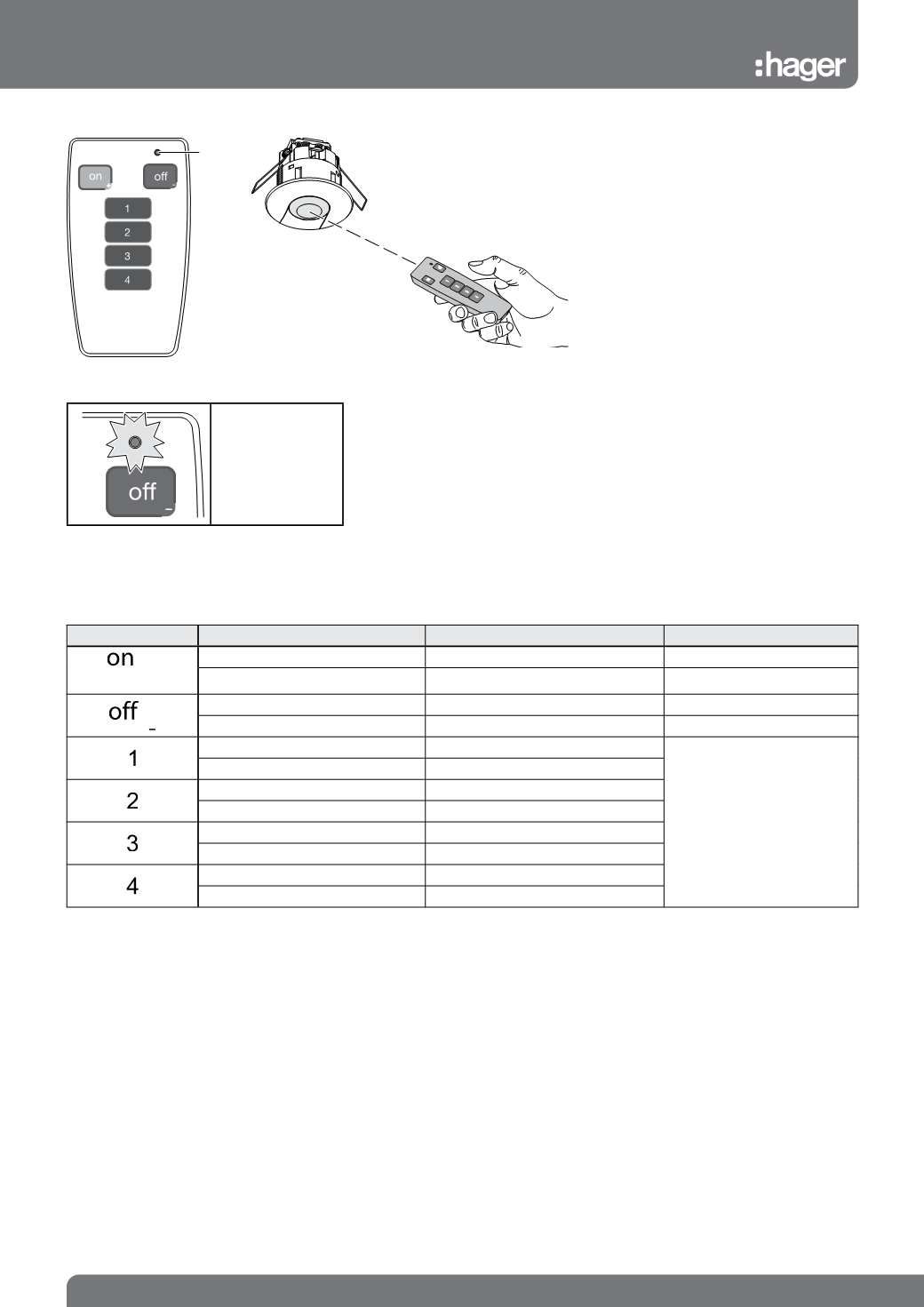
LED
The acknowledgment
LED blinks during
the sending of the IR
message.
Use
The remote control allows the user to set or
modify settings on the presence detectors
EEK513W and EEK510B.
Each button corresponds to a command.
Technical specification
Power supply: 1x 3V CR2032
Shelf life of battery: 3½ years
Protection index: IP 30
Description EEK002
IR user remote controls
for EEK002