



 387 / 582

BETA Switching
Timers
7
LF4 digital time switches
9/9
Siemens ET B1 · 10/2008
9
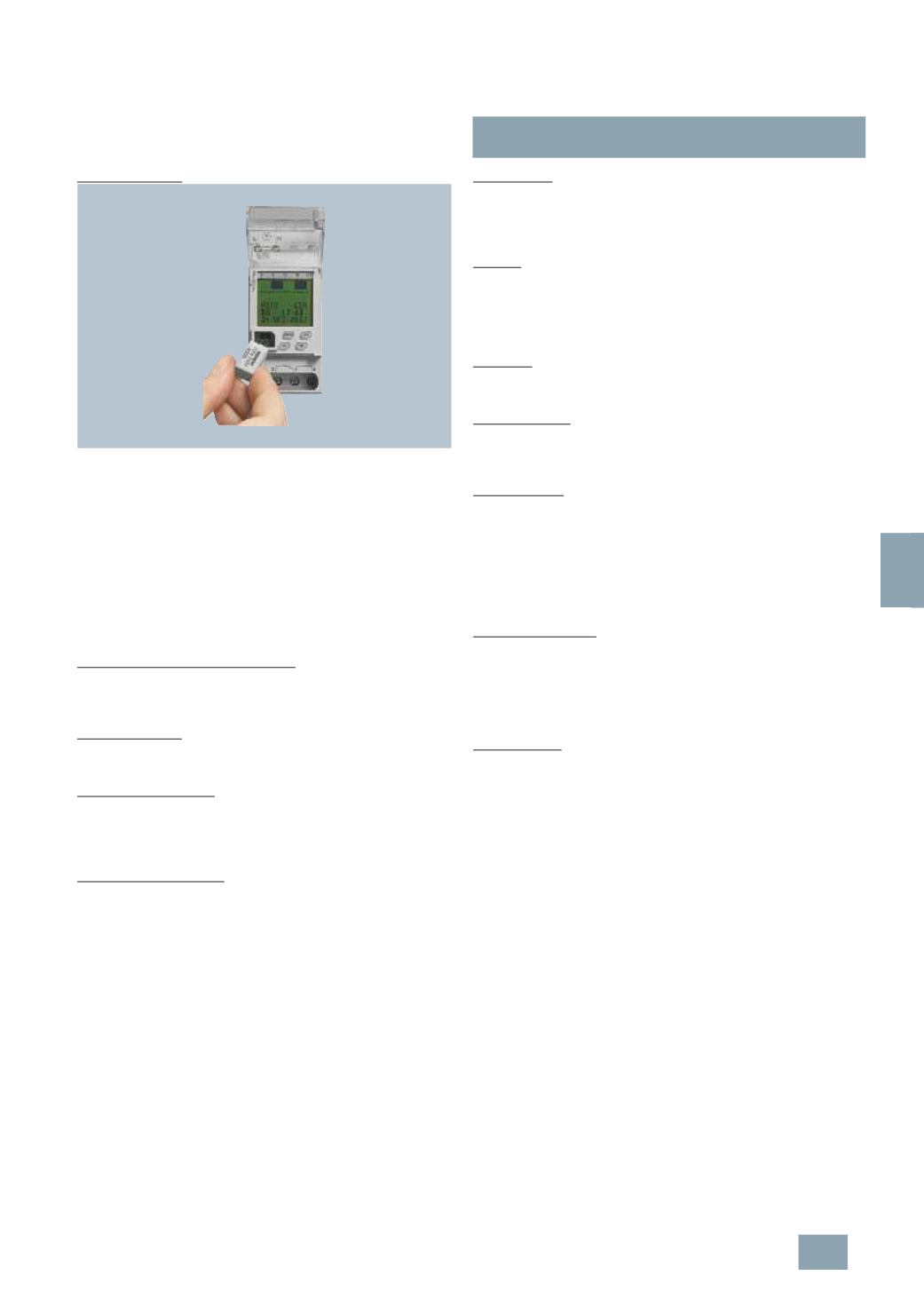
PC programming:
The Profi, Astro and Expert digital time switches support plug-in
data keys. This provides even greater safety and convenience.
For example, the data key lets you read out a program from a
digital time switch, copy it to a PC, where it can be saved and
edited – or simply transfer it to another time switch. It goes
without saying that you can work with several data keys and it will
only take seconds to change programs.
A safety copy ensures fast service. So if a time switch has been
interfered with, you can simply use the data key to transfer the
stored program back to the time switch.
Thanks to the standard operator interface, based on MS-Office,
there is no need for laborious program training.
Pulse function for 1-channel devices:
With the pulse function, up to 84 start times and a pulse time can
be programmed onto the time switch. The pulse duration can be
selected between 1 s and 59 min 59 s.
Random function:
If the random function is activated, the set switching times are
shifted within a range of +/- 30 min.
Operating hours meter:
For commercial fields of application in particular, it is often
necessary to establish the running time of the switched load,
e.g. lighting. The operating hours meter shows the total ON time
per channel and the date of the last reset.
Vacation period function:
In the vacation program, the vacation period are set with start
and end date. If the vacation program is activated, the digital
time switch does not carry out any programmed switching
commands during the relative period but, depending on the
respective input, is set to "CONTINUOUSLY OFF" or
"
CONTINUOUSLY ON" during the vacation period.
At the end of the specified vacation period, the digital time
switch automatically resumes execution of the switching
commands according to the programmed switching times.
Control input:
The delay time that can be adjusted in the control input enables
an additional switching of the relay, parallel to the switching
program. Adjustable delay time 0 min ... 23 h 59 min, the delay
time begins as soon as the voltage drops at the control input.
1
h-test:
The "1H TEST" function can be used for simulating switching. If
"1
H TEST" is activated, the switching outputs are switched for
one hour. At the end of the specified time, the digital time switch
automatically resumes execution of the switching commands
according to the programmed switching times.
PIN code:
Input and programming can be disabled using a four-digit PIN
code.
Week programs:
Programs that are designed to be repeated regularly every
week, e.g. light control, heating control. A week program
comprises an ON/OFF time and assigned ON/OFF days.
Year programs:
Programs that are only to be executed within a defined period of
validity. They overlap with the week programs of the same
channel according to an OR operation. The period of validity is
specified by entering the start/end date. Validity from start date
00:00:00
to end date 24:00:00. The start date must be prior to
the end date. Within their period of validity, these programs act
as week programs. Outside their period of validity, these
programs have no influence on the switching behavior.
Exception programs:
Have a higher priority as week and year programs. Week and
year programs of the same channel will not be executed within
the period of validity of an exception program, however, within
the period of validity other exception programs will be executed.
The different exception programs overlap according to an OR
operation.
Cycle function:
On the year time switch, channel 1 has an additional option for
"
cyclic switching". The term "cyclic switching" means that within
a specific period, the time switch is switched on for a specific
duration (ON time). The cycle time can be between 2 seconds
and 2 hours. The ON time can be set between one second and
one hour.
© Siemens AG 2008