




 52 / 80

52
klik catalogue 2012 • klik.system • Technical
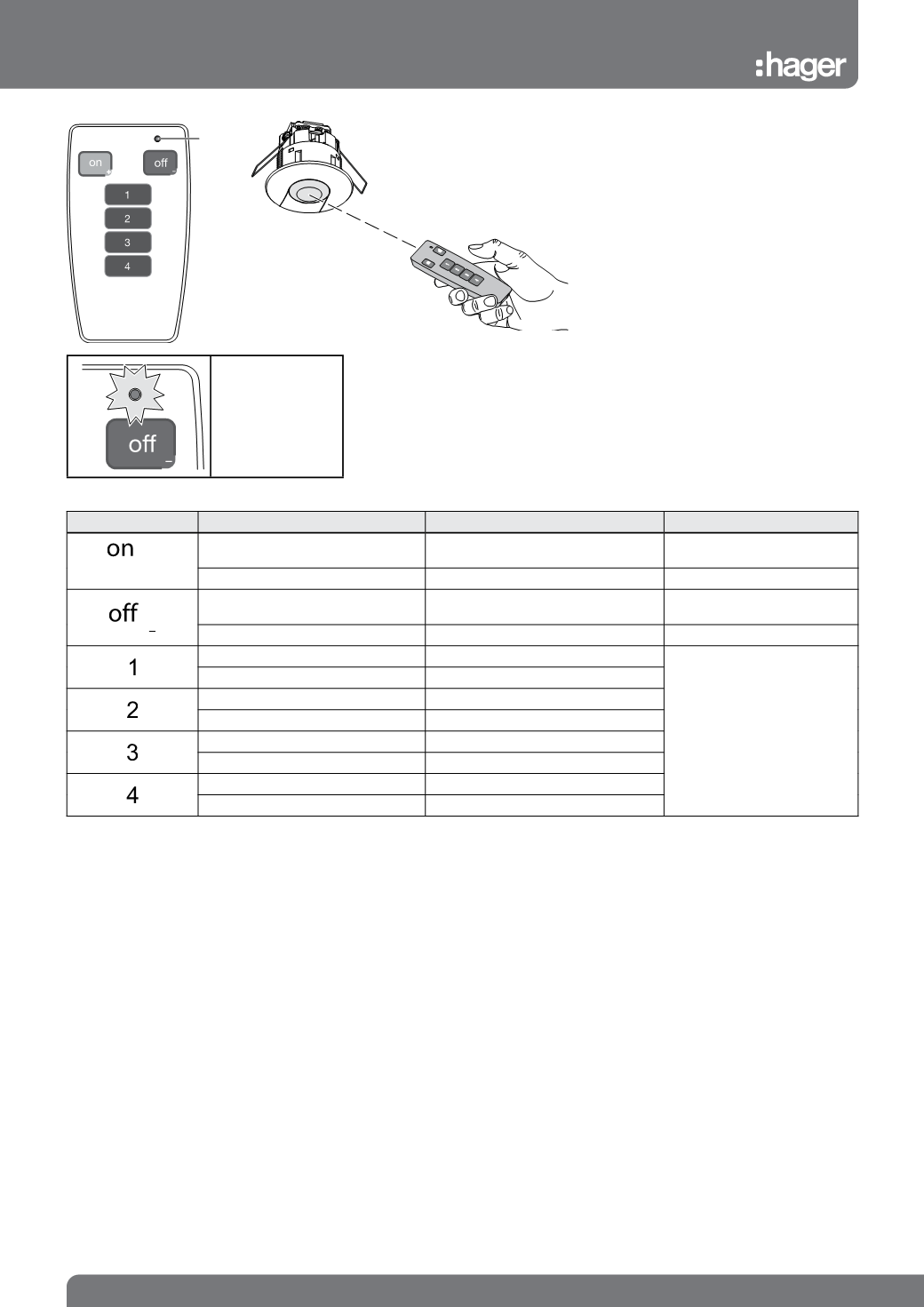
IR user remote controls
for EEK002
Key
Action
Function
Product Type
+
Short Press (< 5s.)
On
EEK513P / EEK515P
EEK523P / EEK525P
Long Press (> 5s.)
Dim up
EEK523P / EEK525P
Short Press
Off
EEK513P / EEK515P
EEK523P / EEK525P
Long Press (> 5s.)
Dim down
EEK523P / EEK525P
Short Press
To start scene 1
EEK523P / EEK525P
Long Press (> 5s.)
To start scene 1
Short Press
To start scene 2
Long Press (> 5s.)
To start scene 2
Short Press
To start scene 3
Long Press (> 5s.)
To start scene 3
Short Press
To start scene 4
Long Press (> 5s.)
To start scene 4
LED
The acknowledgment
LED blinks during
the sending of the IR
message.
Use
The remote control allows the user to set or
modify settings on the presence detectors
EEK513P/EEK515P and EEK523P and
EEK525P
Each button corresponds to a command.
Technical specification
Power supply:1x 3V CR2032
Shelf life of battery: 3½ years
Protection index: IP 30
Settings available